How Much Does a Website Cost in South Africa?
A practical 2026 guide to website development prices for South African businesses.
Jump to section
A practical 2026 guide to website development prices for South African businesses.
If you are planning to launch, redesign, or rebuild a website, one of the first questions you are likely to ask is:
How much does a website cost in South Africa?
The honest answer is that it depends on what the website needs to do.
A simple brochure website can cost a few thousand rand. A custom business website, ecommerce store, directory platform, or web application can cost much more because it involves more planning, content, design, development, testing, integrations, and long-term support.
This guide explains the typical price ranges, what affects website cost, which hidden costs to budget for, and how to choose the right level of website investment for your business.
Typical Website Design Prices in South Africa
Website prices vary depending on the provider, platform, project scope, and quality of execution.
As a practical guide, South African businesses can expect broad ranges like these:
| Website Type | Typical Cost Range | Best For |
|---|---|---|
| One-page or landing page website | R3,000 – R8,000 | Startups, freelancers, simple campaigns, early-stage ideas |
| Basic business website | R8,000 – R18,000 | Small businesses needing a professional online presence |
| Custom business website | R18,000 – R45,000+ | SMEs needing stronger design, SEO structure, and tailored sections |
| WordPress website | R10,000 – R40,000+ | Content-driven business websites, service pages, blogs, and SEO |
| Ecommerce website | R18,000 – R70,000+ | WooCommerce, Shopify, or BigCommerce stores |
| Directory or membership website | R25,000 – R90,000+ | Listing platforms, paid memberships, niche directories, communities |
| Custom web application or portal | R50,000+ | Dashboards, client portals, workflows, APIs, and custom systems |
These are indicative ranges, not fixed prices.
A website can cost less or more depending on the number of pages, design quality, platform, content needs, integrations, ecommerce requirements, SEO work, and support included.
Why Website Prices Vary So Much
Two websites may look similar on the surface but be very different behind the scenes.
A low-cost website may use a ready-made template, minimal content, basic hosting, and limited testing. A more professional build may include custom design, proper content structure, SEO foundations, performance optimisation, integrations, analytics, security, and support.
The biggest cost drivers are usually:
- Number of pages
- Design complexity
- Platform choice
- Content writing or migration
- Ecommerce functionality
- Booking, quote, or application forms
- CRM or email marketing integrations
- SEO requirements
- Custom development
- Ongoing maintenance and support
The right question is not only “What is the cheapest website?” but “What does the website need to achieve for the business?”
Common Website Types and What They Usually Include
One-Page or Landing Page Website
A one-page website is suitable when you need a simple online presence or campaign page.
It may include:
- Hero section
- Short business introduction
- Services or offer section
- Contact details
- Call-to-action buttons
- Basic contact form
- Mobile-friendly design
- Basic SEO metadata
This can work well for freelancers, early-stage businesses, small campaigns, and businesses that need something professional online quickly.
Basic Business Website
A basic business website usually includes several core pages, such as:
- Home
- About
- Services
- Contact
- Privacy policy
- Blog or resources if needed
This is a good fit for small businesses that need credibility, clear information, and a simple way for customers to enquire.
Custom Business Website
A custom business website usually involves stronger design, more planning, better content structure, and more attention to conversion.
It may include:
- Custom homepage
- Multiple service pages
- Industry or location pages
- Case studies
- FAQs
- Blog or insights section
- SEO-friendly structure
- Analytics and tracking
- Better performance optimisation
- Stronger calls to action
This is often the better fit for businesses that rely on search visibility, lead generation, or professional credibility.
WordPress Website
WordPress remains a practical choice for many South African businesses because it gives teams control over pages, blog posts, service content, media, and SEO updates.
A WordPress project may include:
- Custom or customised theme
- Content management setup
- Plugin configuration
- Forms
- Blog setup
- SEO plugin setup
- Performance improvements
- Security and backup planning
WordPress can be cost-effective, but it still needs good development and regular maintenance to remain secure and reliable.
Ecommerce Website
An ecommerce website costs more because it has more moving parts.
A typical ecommerce build may include:
- Product catalogue setup
- Product categories
- Product variations
- Cart and checkout
- Payment gateway integration
- Shipping or delivery rules
- Order emails
- Store management training
- Analytics and conversion tracking
- Security and maintenance planning
Common platforms include WooCommerce, Shopify, and BigCommerce.
The cost depends on the number of products, payment requirements, delivery complexity, design customisation, third-party integrations, and how much product content needs to be prepared.
Directory or Membership Website
Directory and membership websites are more complex than standard business websites.
They may include:
- Member profiles
- Listing categories
- Search and filters
- Paid membership levels
- Claimable listings
- Lead forms
- User dashboards
- Events, articles, or community features
- Payment setup
- SEO-friendly category and location pages
Platforms such as Brilliant Directories or WordPress directory systems can help, but the setup still needs careful planning.
Custom Web Application or Portal
A custom web application is usually needed when the website must handle business-specific workflows.
This may include:
- Client portals
- Admin dashboards
- Application forms
- Document uploads
- Approval workflows
- User roles and permissions
- API integrations
- Reporting tools
- Payment workflows
- Custom databases
These projects cost more because they involve deeper planning, backend logic, testing, security, and long-term maintainability.
Additional Website Costs to Budget For
The build cost is only one part of the website budget.
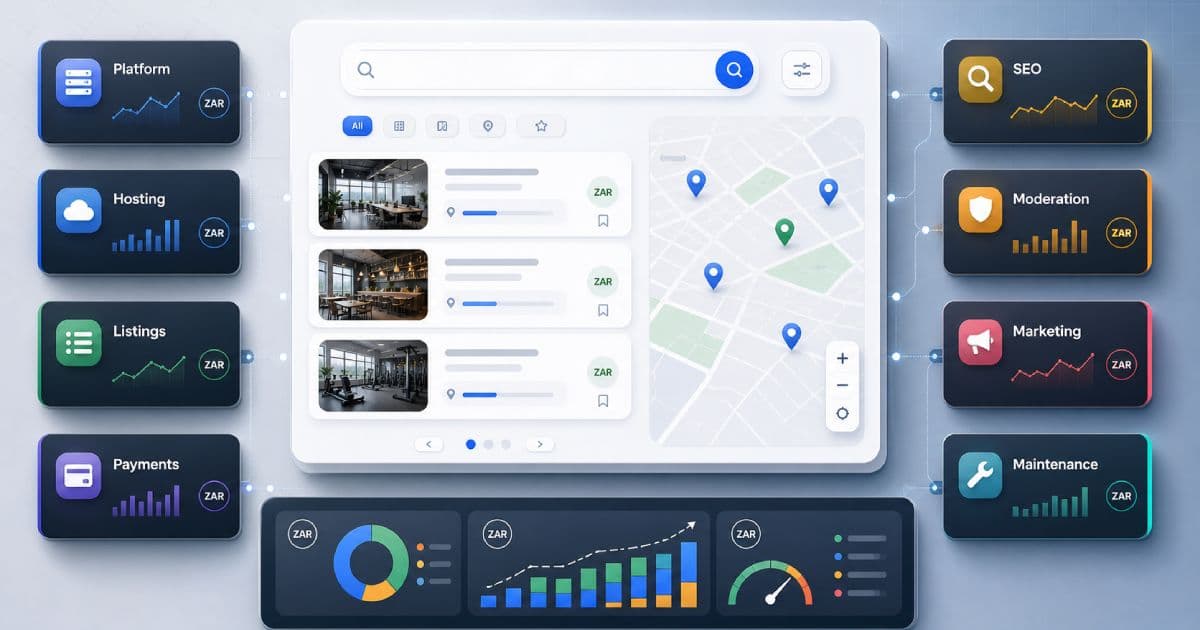
You should also consider ongoing costs such as:
| Cost Item | Typical Range | Frequency |
|---|---|---|
| Domain name | R100 – R400 | Yearly |
| Website hosting | R1,000 – R6,000+ | Yearly |
| Premium plugins, apps, or themes | R0 – R10,000+ | Yearly or monthly |
| Website maintenance | R750 – R5,000+ | Monthly |
| Content writing | Project-dependent | Once-off or ongoing |
| SEO services | R2,000 – R15,000+ | Monthly or project-based |
| Email hosting | Provider-dependent | Monthly or yearly |
| Stock images or photography | Project-dependent | Once-off |
| Ecommerce apps or extensions | Provider-dependent | Monthly or yearly |
Not every website needs every item, but it is better to budget properly than be surprised after launch.
Hidden Costs Businesses Often Forget
Some website costs are not obvious at the start.
These may include:
- Rewriting weak content
- Resizing or improving images
- Fixing old website errors
- Redirecting old URLs
- Migrating blog posts
- Cleaning up plugin conflicts
- Setting up business email
- Configuring DNS records
- Adding privacy and cookie notices
- Improving page speed
- Fixing mobile layout issues
- Training staff to use the site
- Adding analytics and conversion tracking
- Ongoing security updates
A cheaper quote may exclude these items, which can make the project more expensive later.
What Affects the Final Website Cost?
1. The Type of Website
A simple website costs less than an ecommerce store, directory, portal, or custom application.
The more business logic, integrations, and user workflows involved, the more planning and development are required.
2. Number of Pages
More pages take more time to plan, write, design, build, test, and optimise.
Service pages, location pages, industry pages, product pages, and blog migration can all affect the final cost.
3. Design Quality
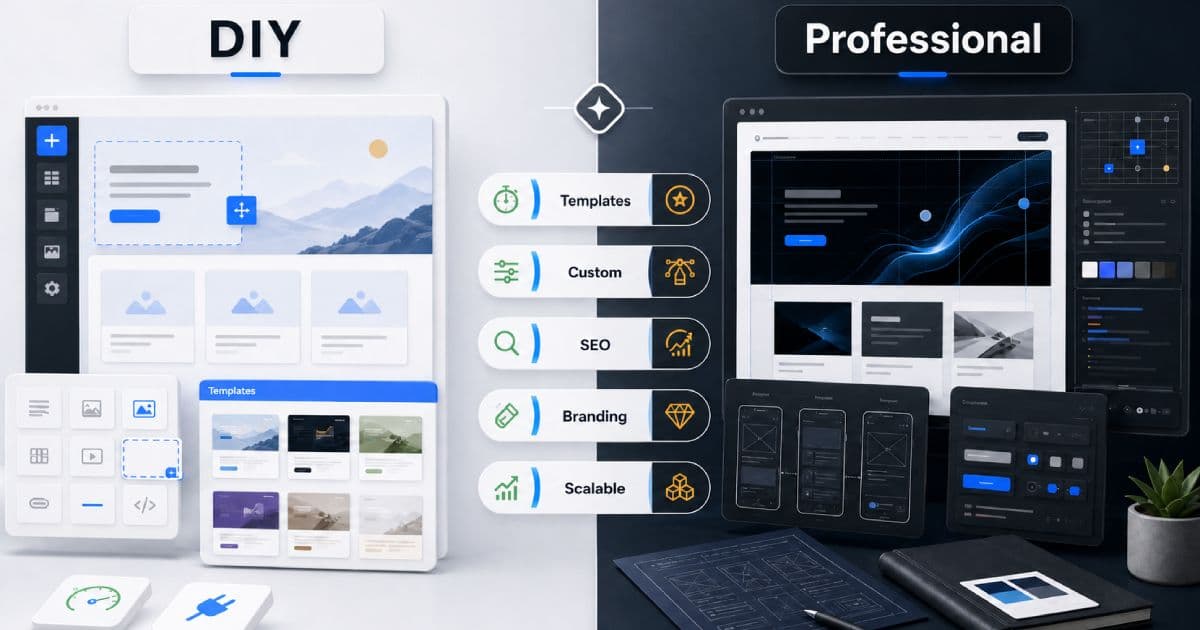
A template-based design is usually cheaper. A custom design costs more but gives your brand more control, stronger differentiation, and a better user experience.
4. Content Requirements
If you already have strong content, the project may move faster.
If the content needs to be written, rewritten, migrated, structured for SEO, or adapted for a new design, it will increase the scope.
5. Platform Choice
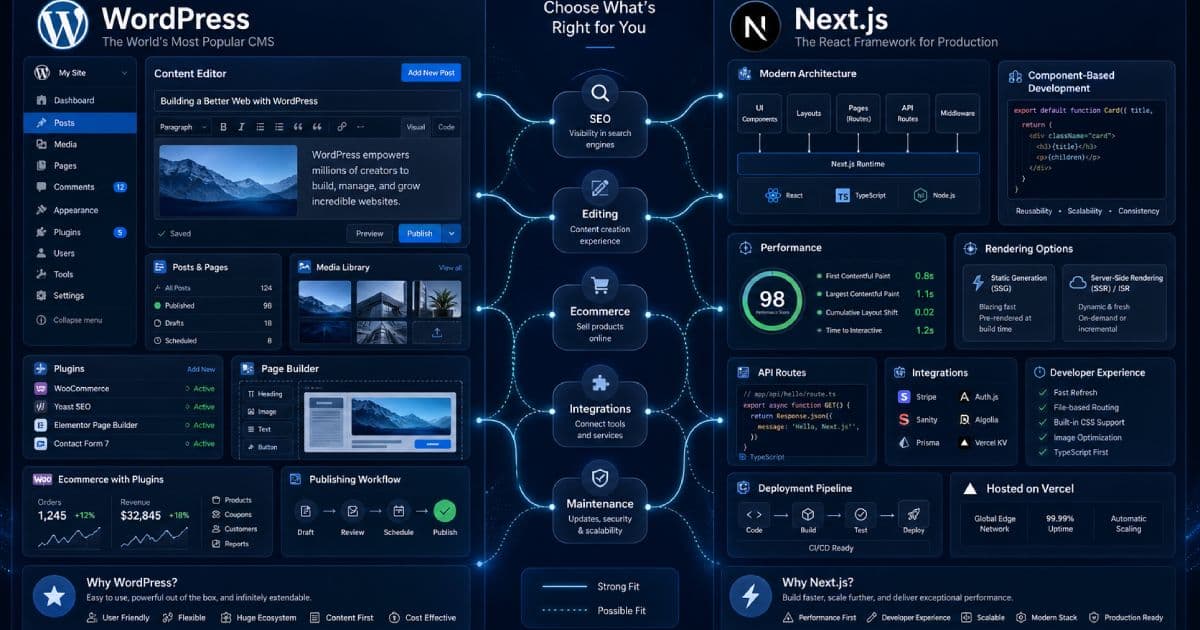
WordPress, Shopify, WooCommerce, Brilliant Directories, Next.js, Laravel, and custom systems all have different cost profiles.
The right platform depends on what the website needs to do now and what it may need to do later.
6. Ecommerce Complexity
Ecommerce pricing depends on products, variations, payment gateways, shipping rules, product imports, order workflows, email marketing, analytics, and third-party apps.
7. Integrations
A website that needs to connect with a CRM, payment provider, email marketing platform, booking system, API, automation workflow, or internal tool will cost more than a standalone site.
8. SEO Requirements
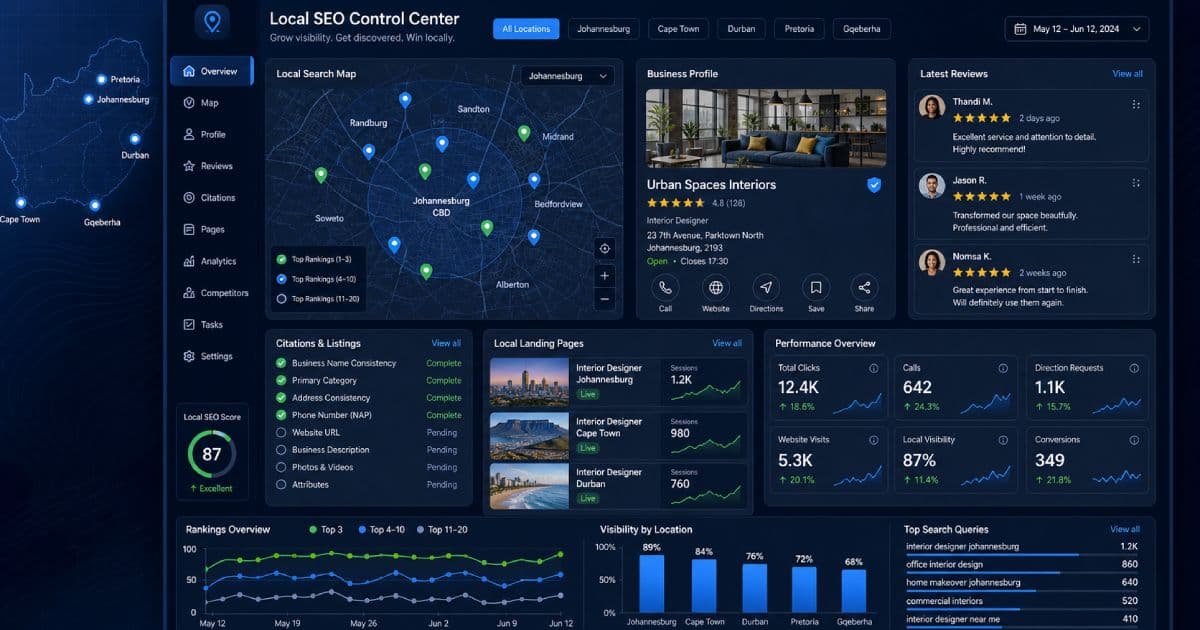
SEO-friendly development may include metadata, redirects, content structure, internal linking, schema, page speed, service pages, local pages, and blog strategy.
This takes more work, but it can protect and improve long-term visibility.
9. Maintenance and Support
A website should not be abandoned after launch.
Ongoing maintenance, backups, updates, security checks, bug fixes, and content changes should be part of the long-term plan.
Ecommerce Website Pricing in South Africa
Ecommerce websites usually start at a higher price because they need to support real transactions.
A smaller ecommerce store may start from around R18,000 to R30,000.
A more customised ecommerce store with many products, integrations, shipping rules, custom design, or advanced tracking can cost R40,000 to R70,000 or more.
Typical ecommerce requirements include:
- Product catalogue setup
- Product images and descriptions
- Product variations
- Cart and checkout
- Payment gateway setup
- Delivery or shipping configuration
- Order emails
- Store policies
- Basic SEO setup
- Analytics and conversion tracking
- Training or handover
If the store is expected to generate revenue, it is worth investing in a build that is stable, fast, and easy to manage.
Optional Add-Ons That Can Be Worth It
Some add-ons are not essential for launch, but they can improve the value of the website.
Useful options include:
SEO Setup
SEO helps your website become easier to find and understand. This may include metadata, page structure, internal links, technical SEO, blog planning, and local SEO.
Copywriting
Good copy helps visitors understand what you offer and why they should trust you.
Weak content can make even a well-designed website underperform.
WhatsApp or Live Chat
For some businesses, WhatsApp or live chat can make it easier for visitors to ask questions quickly.
CRM or Email Marketing Integration
Lead capture is stronger when enquiries are stored properly and follow-up is not manual.
Speed Optimisation
Fast websites improve user experience and can support better search performance.
Maintenance Plan
A maintenance plan helps keep the website secure, updated, and working after launch.
How to Choose the Right Website Package
Use this as a simple guide:
| If You Need | Consider |
|---|---|
| A quick online presence | One-page or starter website |
| A professional service business website | Custom business website |
| A website your team can update | WordPress website |
| To sell products online | WooCommerce, Shopify, or BigCommerce |
| A niche listing or membership platform | Directory or membership website |
| A custom dashboard or portal | Laravel or custom web application |
| Long-term stability | Maintenance and support plan |
The best package depends on your goals, budget, timeline, and how important the website is to your business.
How to Get Better Value From Your Website Budget
Before starting a website project, it helps to be clear about:
- What the website must achieve
- Who the website is for
- Which services or products matter most
- What pages are needed at launch
- What can be added later
- Whether SEO is important
- Who will provide content and images
- What integrations are required
- Who will maintain the site after launch
You do not always need the biggest website immediately. In many cases, it is better to launch a strong foundation and improve it over time.
Should You Choose the Cheapest Website Quote?
Not always.
A cheap website can be a good choice for a very simple need, but it can become expensive if it is difficult to update, slow, insecure, poorly structured, or not built with your business goals in mind.
Before accepting a quote, ask:
- What exactly is included?
- Who owns the website and content?
- Is hosting included?
- Are updates and support included?
- Is the website mobile-friendly?
- Will the site include basic SEO setup?
- Are forms, analytics, and security included?
- What happens after launch?
- Will important old URLs be redirected if this is a rebuild?
The cheapest option is not always the best value.
Final Thoughts
A website is not only a design expense. For many businesses, it is a sales tool, credibility asset, content platform, customer support channel, and long-term marketing foundation.
The right budget depends on how important the website is to your business.
If you only need a simple online presence, start small. If your website needs to generate leads, sell products, support SEO, or handle business workflows, invest in a stronger foundation.
Ravensdale Digital Services helps South African businesses plan and build websites that are practical, maintainable, and ready to grow.
Need help planning or rebuilding your website?
Ravensdale Digital Services can help you choose the right platform, budget properly, and build a website that supports your business goals.